
Paste your Markdown, or choose a .md file, and get a PDF
that looks like Markdown on GitHub: headings, links, tables, code and task lists.
Every PDF is accessible (PDF/UA), tagged for screen readers.
Free, no sign-up.
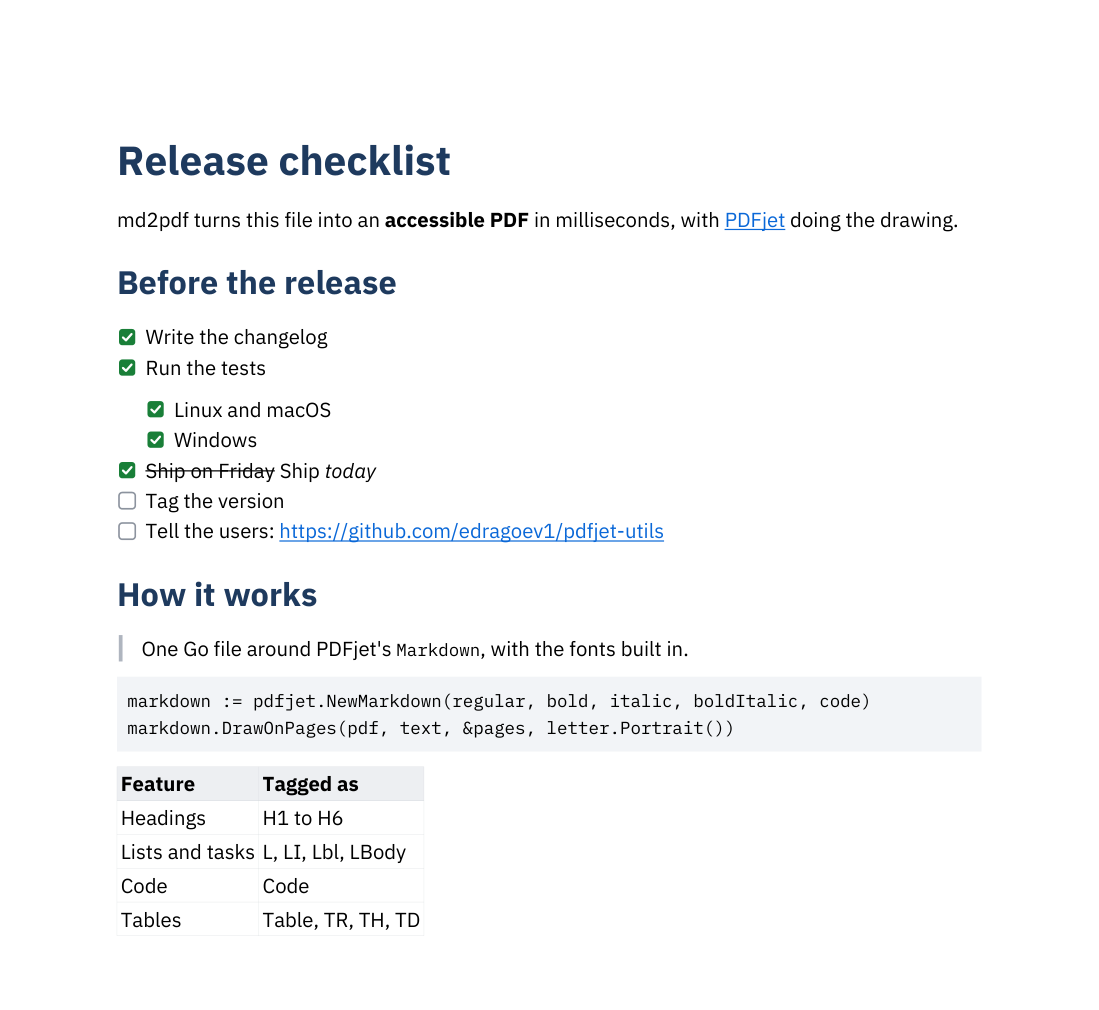
This sample Markdown file becomes this PDF:
The same converter as a small command-line program for Windows, Mac and Linux, one file with the fonts inside. It converts many files at once and includes the images next to your Markdown. Download md2pdf (free, MIT license).
md2pdf notes.md
md2pdf -page a4 *.mdMarkdown to PDF is built on PDFjet, the PDF library for Java, .NET, Go and Swift: fast, small, and every PDF can be PDF/UA and PDF/A. Make your own PDFs from your data, in your own program.
©2026 PDFjet Software.